Help topics
Attributes and properties
An attribute defines a property, such as Document type, Introduction date or Description. Its value belongs to a particular element.
Add a property
- Open the attribute set in the Classifiers workspace.
- Create an attribute with a name and type.
- Add it to the required classifier's attribute set in classifier properties.
- Select an element and fill its value in the table or Properties panel.
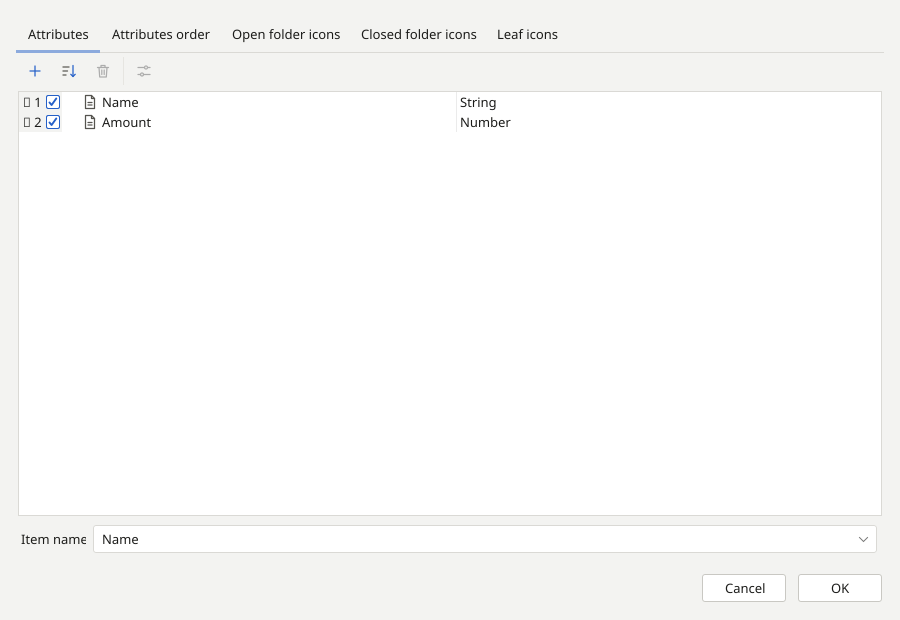
For function blocks, select the attribute set in model properties. Those attributes become available on the model's blocks.
Choose a type
| Data | Attribute type |
|---|---|
| Short text | String |
| Count or numeric value | Integer or number |
| Calendar date | Date |
| Amount | Money |
| One of a short list | Enumeration |
| Reference to another list's object | Classifier element |
| Detailed formatted text | Description |
| Document or other file | Attached file |
| Several rows with custom columns | Table |
For an element reference choose its classifier and display attribute. For a table define column attributes. A Responsible position attribute in Documents could refer to Positions. That is separate from the process owner.
Edit a value
The Properties panel operates on the selected element. Simple values edit in place; descriptions, files and tables have editors. Enter applies a simple field change; Escape restores its previous value. Search element selectors by name. No value clears the reference. Diagram and Project groups provide context; their data is separate from the block's own attributes.
Attribute versus flow state
A Document state attribute you create in a classifier describes the shared object. An attachment state describes its use in a particular flow. Choose according to what the value means. A diagram status describes editorial preparation, such as Draft, and a tunnel describes representation on an adjacent level. These are separate properties.