Help topics
Getting started
Launch your installed Ramus application. Start with a copy of a model and save your own project file.
Open a model
A Ramus project is stored in an .rsf file. Some packages include examples: dest/doc/uk/Діяльність підприємства.rsf and dest/doc/en/Enterprise activity.rsf. Available examples depend on your installation.
- Choose File → Open and select an .rsf file.
- Open a diagram in the model tree. Its contents appear on the canvas; the surrounding panels contain tools and model data.
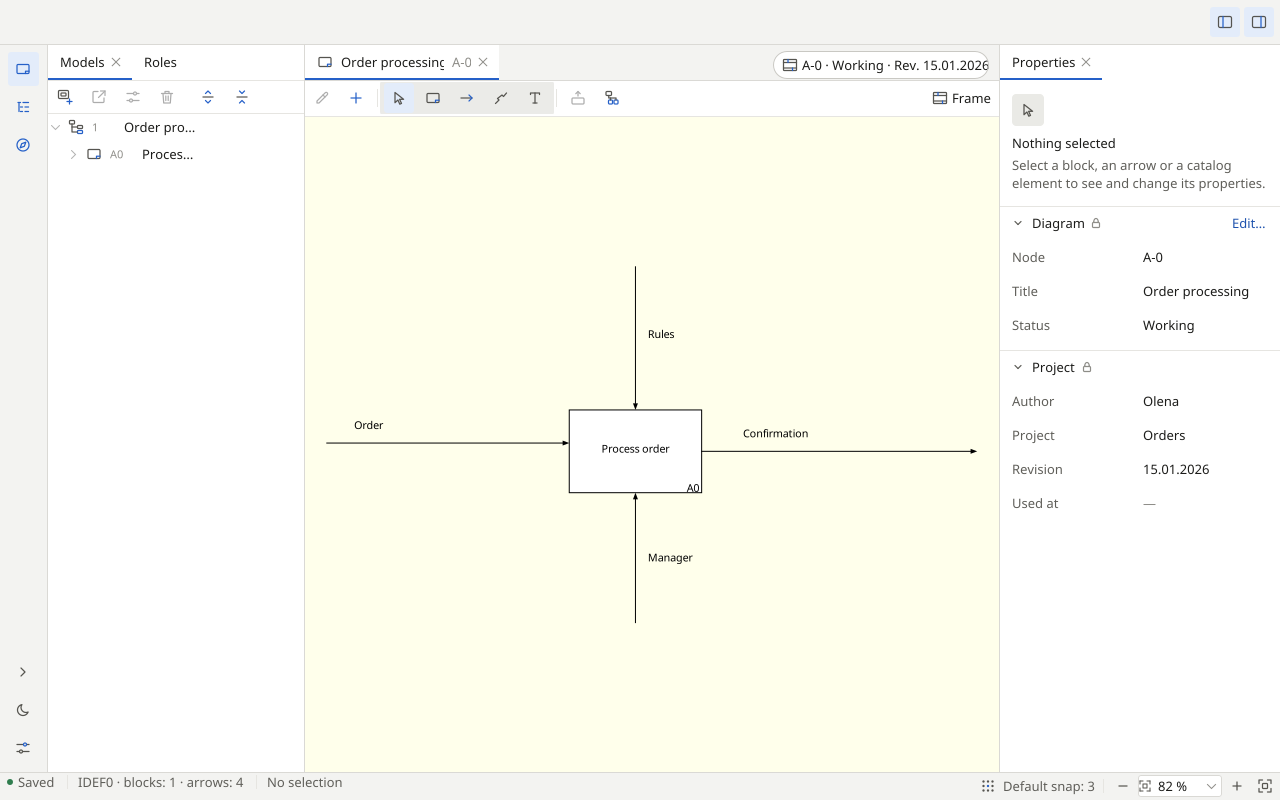
Save your own copy
- Choose File → Save As. Enter a new name and location for the .rsf file to work on a copy of the example.
- Save further changes with File → Save. Reopen the saved file with File → Open and check your model.
You have opened a model and saved your own copy. To start an empty project, continue to creating a model.