Help topics
Viewing, printing and sharing
An .rsf transfers the whole project for editing. Images and PDF support reading and discussion. Reports combine model relations and attributes.
Classifier relations
A Classifier element attribute refers to one object. A matrix projection relates elements of two classifiers, including multiple relations per element. Create a projection in the matrix workspace and select its classifiers. In the standard view select one list element and check related elements from the other; the table view uses cells at row and column intersections.
Reports
Create a standard report in the report editor, choose a base classifier and, if needed, a model. Labels, tables and columns define its form. Queries determine which related elements appear. A document report can show attributes and activities using documents as inputs or outputs. A position report can use process owners. These results need flow attachments and block owners.
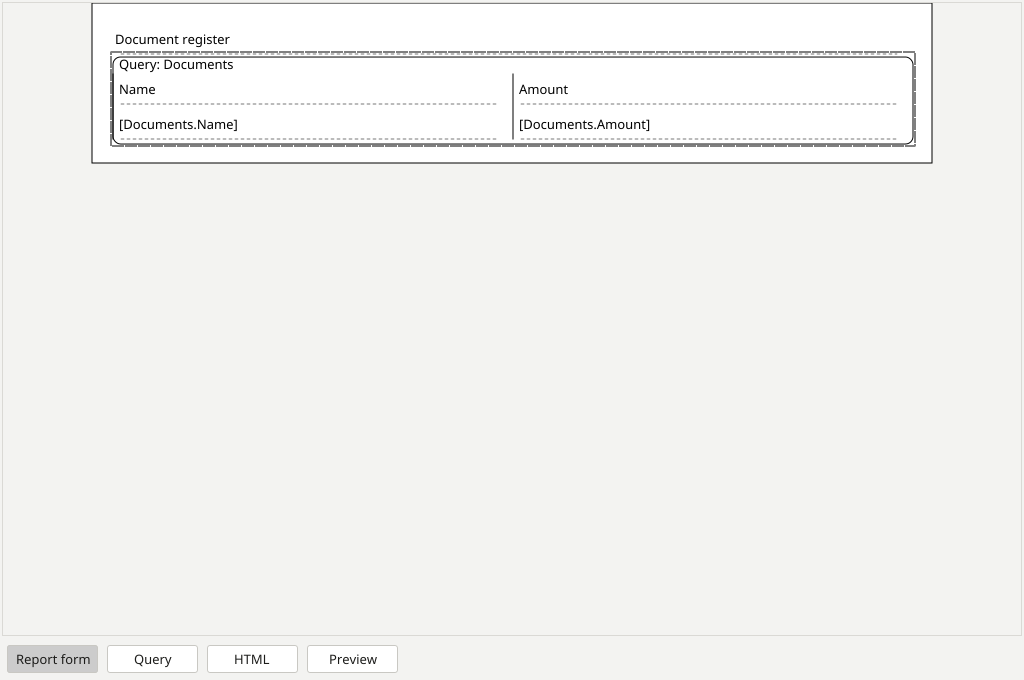
Query selects data, HTML shows generated code and Preview shows the result. Refresh after changing data. XML export and import transfer the report form between projects. For the order example, configure Document register for Documents with name and amount columns: the four rows should contain 100, 200, 300 and 400. Change a classifier value and refresh to check that the report uses the same data. This is an introduction, not a reference for the template language.
Printing and PDF
Open page settings, select size, orientation and margins, then check content in print preview. For diagram printing select the required diagrams in the list. PDF export is also available. Printing and export use document formatting; a light or dark interface theme does not change the printed page.
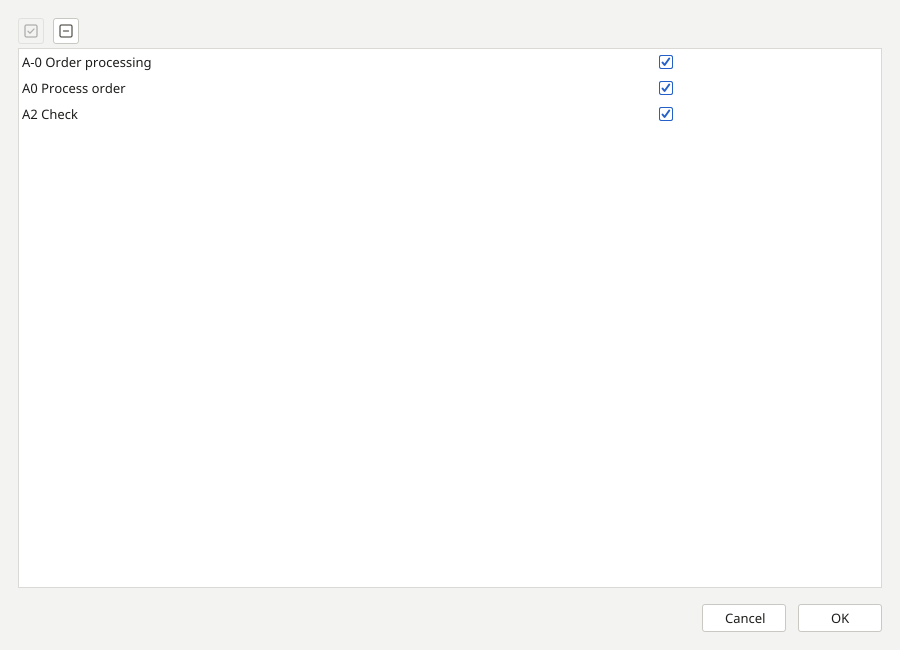
Diagram images
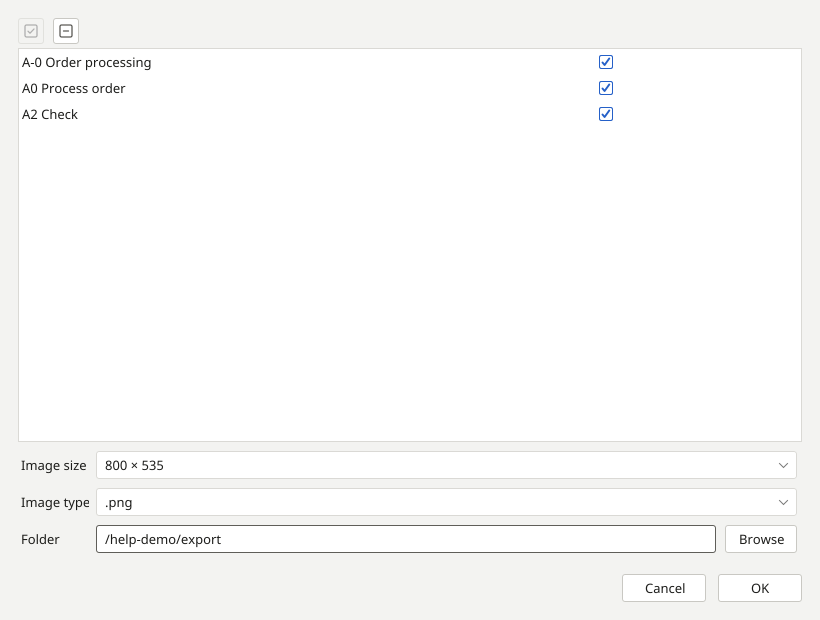
Choose image export from the diagram menu. Select diagrams, size, format and output directory. Available formats are BMP, PNG, JPG, SVG and EMF. PNG is convenient for ordinary viewing; SVG preserves a scalable vector image. Use a separate directory for a collection of diagrams and inspect the exported files.
Transfer and reuse models
Insert models from file selects models from another project and can import all its classifiers. Copy to file in a block's context menu saves child diagrams; Paste from file inserts a model as the selected block's decomposition. A diagram template stores a starting structure for child diagrams. Within one project reuse shared objects through classifiers and flows.
Layout and search through MCP
An external MCP client can preview layout for one IDEF0 diagram with auto_layout_preview and apply it with auto_layout_apply. In an open project the result appears immediately in Ramus; one Undo cancels the layout and Redo restores it. The file remains unsaved until you save. For a closed project MCP writes the result to .rsf.
rag_search searches entities by meaning in a prepared local RAG index, returning scores, explanations and references to diagrams, blocks, arrows and elements. Search does not modify the project and needs no network or paid call. If a current index or local search components are unavailable, the client receives an explanation. A search score indicates candidate relevance, not proven identity.