Help topics
Decomposition and tunnels
Open an IDEF0 model and select the block whose activity you want to describe in more detail.
Create a child diagram
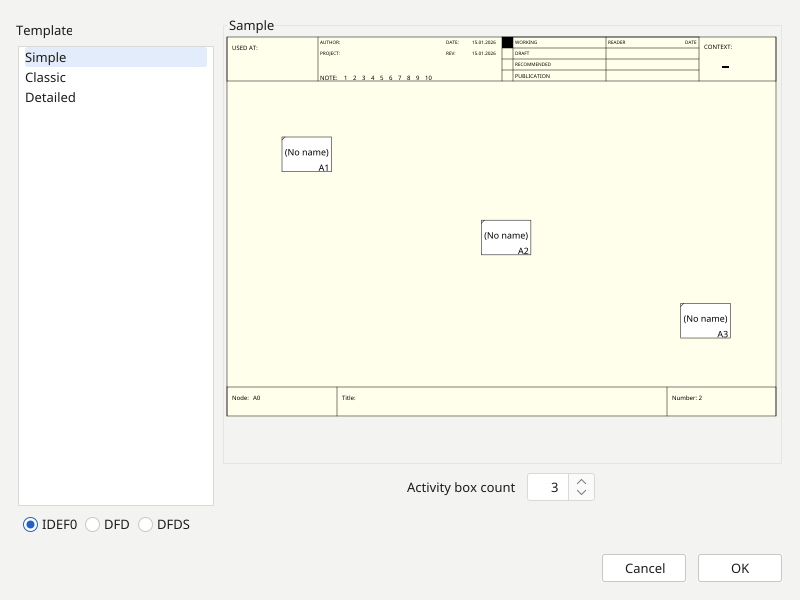
- Invoke level creation for the selected block. In the wizard choose the diagram type and the required template, then complete the setup.
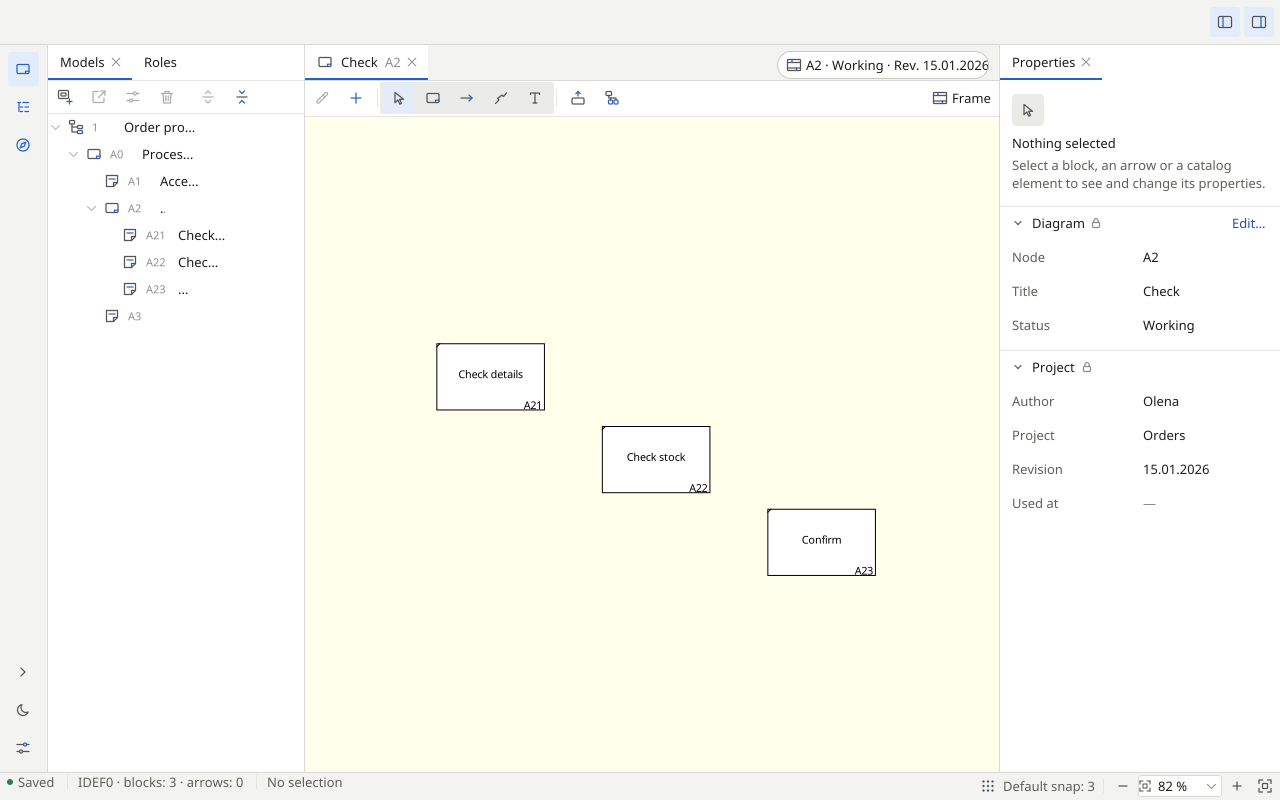
- Place the activity’s component steps on the child diagram and connect them. Keep the levels in the same project file.
Check connections across levels
Use the parent/child navigation tools and model tree to move between levels. Compare child boundary arrows with the parent block’s arrows: names and directions should describe the same flow.
Tunnelling
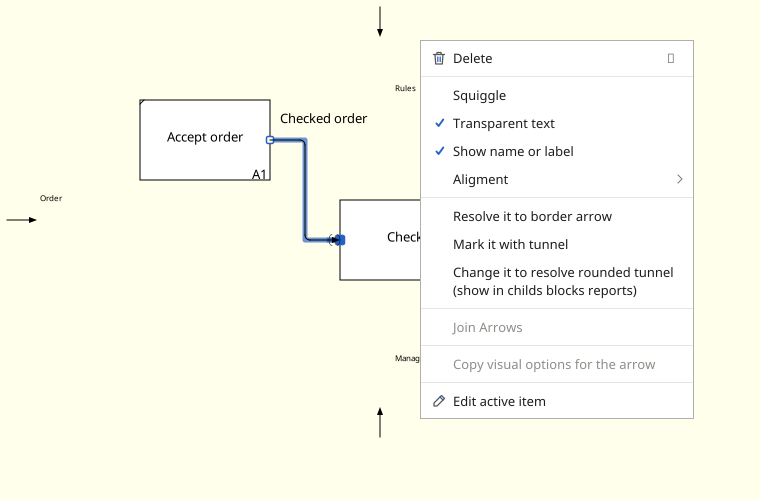
Select the intended end of a boundary arrow and open its context menu. Available tunnelling actions depend on the selected end and its connection to the parent level. If an action is absent, check that the intended arrow end is selected.
A tunnel lets a flow appear only at the appropriate level, or be reconciled with the parent diagram using an available menu command. Check both levels after the change. A tilde beside a label does not create a tunnel.
The child diagram describes the activity in detail, with its boundary flows reconciled with the parent.