Help topics
Flows and attachment states
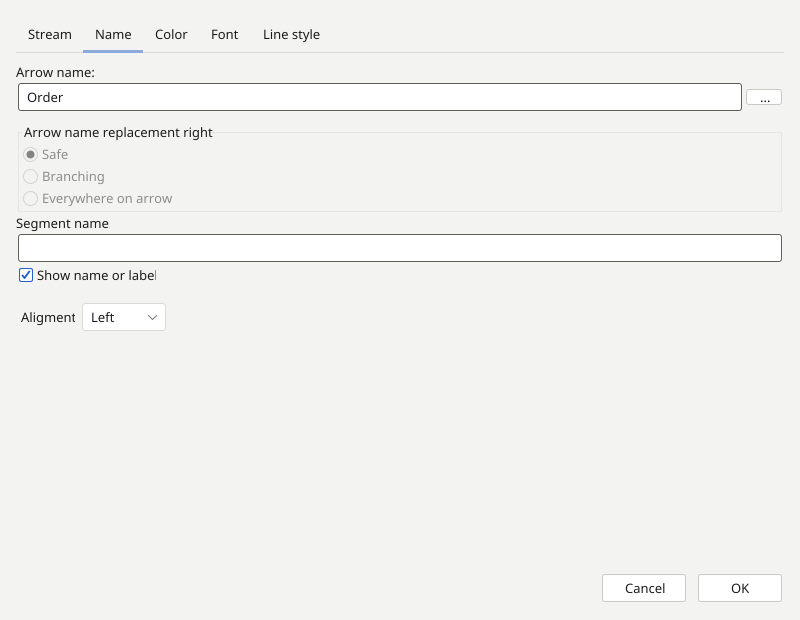
An arrow shows a connection; its flow defines the documents, resources or other objects transferred. Double click an arrow and open the Flow tab.
Attach objects
Choose a classifier and check elements in its list. They appear in the attached list. The add button opens a separate selector, which can select elements from several classifiers. To attach a classifier itself, select it without selecting individual elements. For a specific document or position select that element. Unchecking or removing a row detaches it; Clear removes all flow attachments. These actions do not delete source objects from classifiers.
Flow name and segment label
With an empty flow name and segment label, Ramus builds text from attached objects, separated by semicolons and line breaks. An explicit flow name overrides that text. A segment's alternative label overrides it only at that diagram location. Keep names empty when automatic attachment labels are useful; use a local label for a shorter explanation.
Attachment state
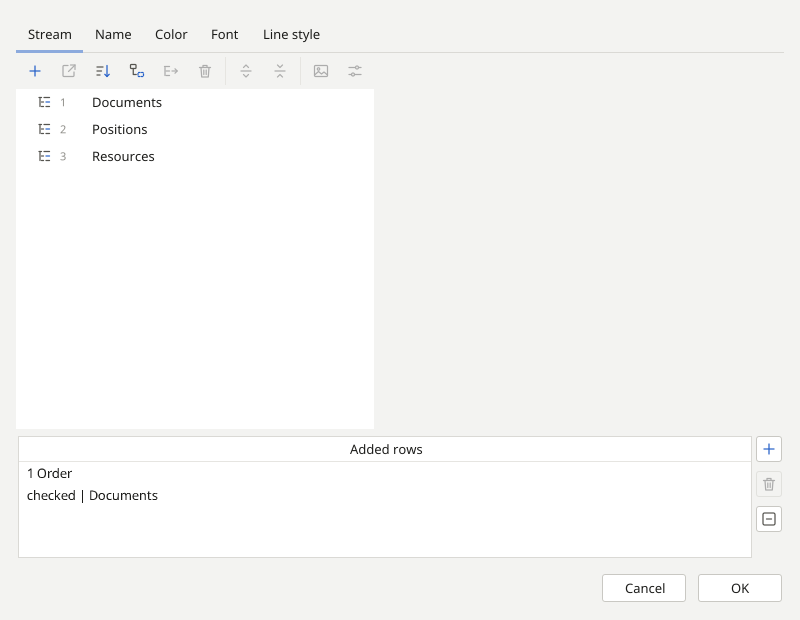
The attachment row shows the object name and a lower line with state and classifier. Double click the lower half to enter free text, such as received or checked. An automatic label shows Order (checked). An explicit flow name or alternative segment label can hide this text.
The state belongs to the object's attachment to this flow. Two independent flows can attach the same Order with received and checked states, without creating two documents. Clear the state text to remove it without detaching the document. Connected segments can propagate attachments and states; inspect neighboring branches and levels after editing.
Double clicking the upper half renames the classifier element itself, changing the shared object throughout the project. Diagram preparation status and tunnels are separate from document state.
Replace a flow on connected arrows
When changing a flow name, the editor offers propagation choices:
- Safe: replace downstream continuations which used the same flow.
- Along the branch: replace downstream continuations, including other flows.
- Everywhere along the arrow: replace connected parts in both directions.
Parts without a flow and paired parts on different levels are included. Inspect connected diagrams after a broad replacement. Undo restores the preceding result.
Reuse and cross-diagram connections
Choose an existing named flow to share its name, attachments and attachment states across arrows. The Flows list contains explicitly named flows; automatic attachment labels are not listed. A clone of an unnamed flow has separate attachments, but later operations still follow connected topology. Matching automatic labels do not establish shared identity.
To continue an arrow between diagrams outside the normal parent hierarchy, open both in tabs, begin reconnecting the endpoint, switch tabs and connect it to a block. Cross-diagram endpoints show a circle and the other diagram's code. A shared classifier element on two independent arrows reuses the object; a cross-diagram continuation additionally records where the flow comes from and goes.
What changes on branches
A named flow is shared by arrows that reference it: attachment and state edits appear on all of them. Cloning an unnamed flow copies attachments into a separate flow, but later edits follow parent and child connections.
- For an exercise keep branches unnamed. Attach Invoice and Confirmation to the first, and Invoice alone to the second.
- Inspect the parent part. Remove Confirmation from its only carrier, the first branch: it is removed from the corresponding parent and child continuations too.
- Remove Invoice from only one branch: the parent retains it while the other still carries it.
- Undo and check restoration on every affected level.
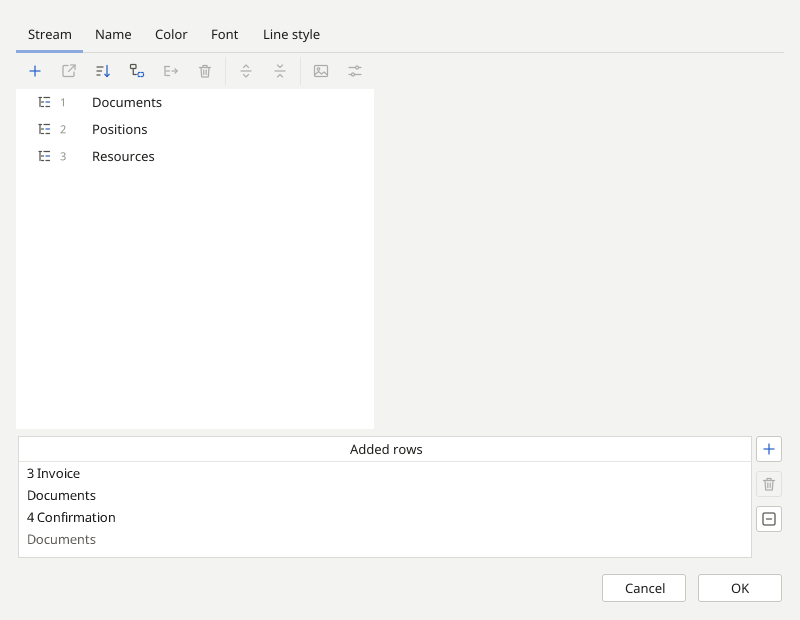
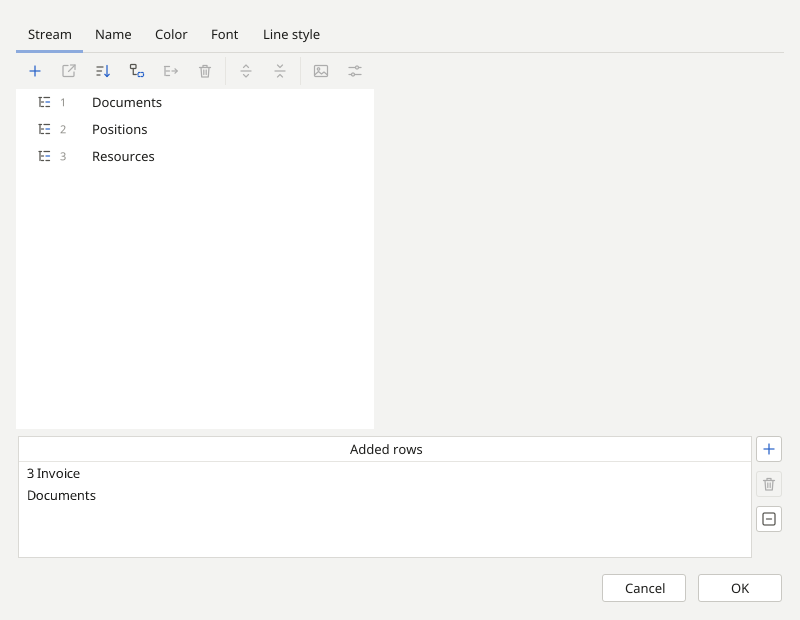
Adding an element to a separate unnamed branch updates that branch and recursive parents. A sibling's separate flow does not acquire it merely through a common parent. Unconnected flows do not change just because names or document IDs match. Deleting a branch removes attachments carried only by it from parents.
States travel with copied attachments. When the same element is merged, the incoming attachment's state is used rather than creating a duplicate. Empty names do not guarantee independent states across the graph. After a state-only change or clearing, inspect parents, children and siblings. An explicit name or local label may hide the state: inspect the attachment list as well.