Help topics
Catalogs and attributes
Open a project. Catalogs hold reusable model elements, while attributes describe their properties.
Create a catalog and elements
- Open the catalogs panel, create a catalog and name it “Documents”.
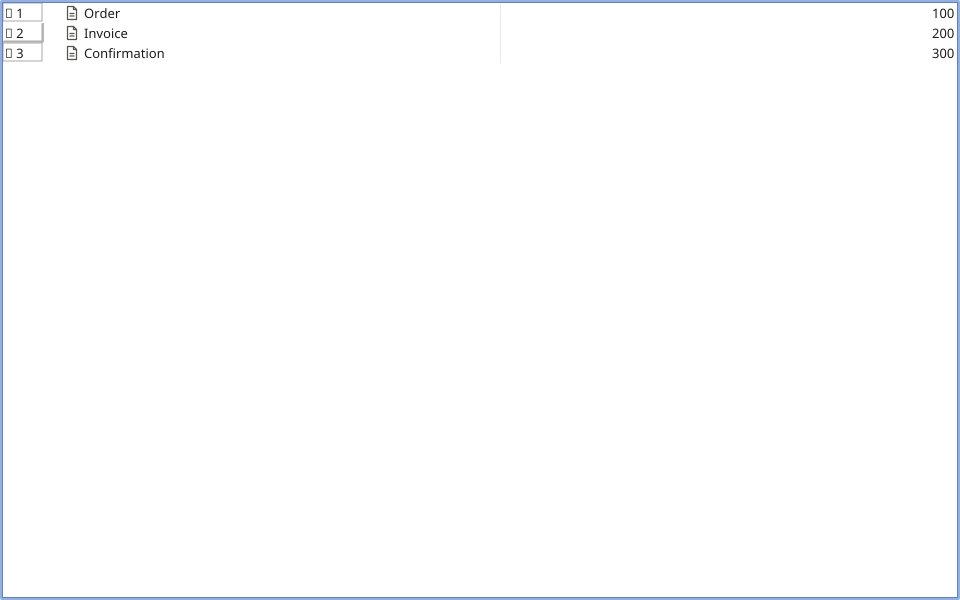
- In the elements table add documents such as “Order” and “Confirmation”. Rename a selected element in its properties; arrange elements into groups in the catalog tree.
Add an attribute and values
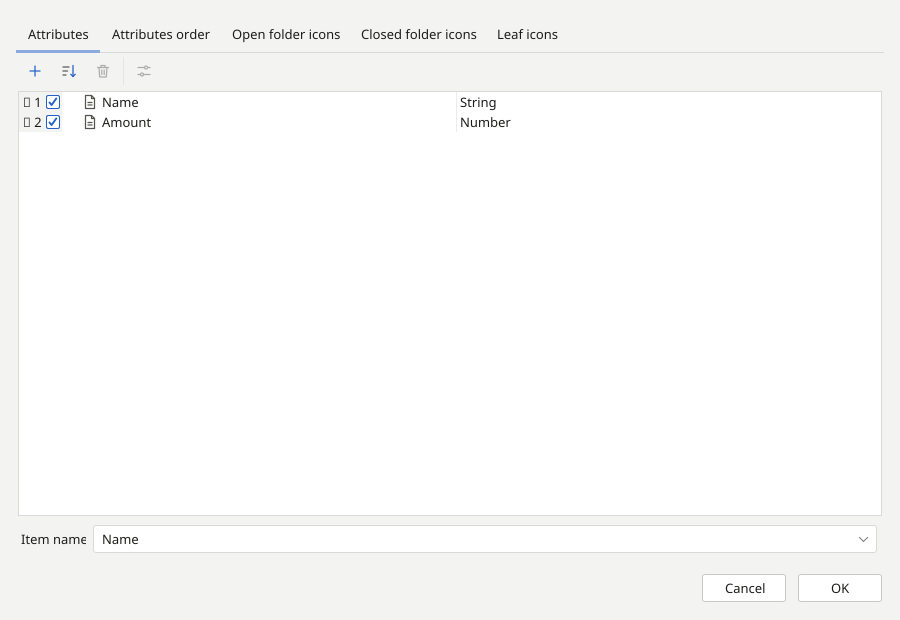
- Open the catalog properties and add a “Cost” attribute. Choose a numeric type and confirm.
- Fill in the cost values in the table. Name and cost appear in separate columns.
- In the relevant model object’s properties, select a catalog element in a field that uses that catalog. This links the diagram data to the shared element.
Your documents table contains names and costs. You can now use these data in a report.