Help topics
Settings
Open Ramus and the project you want to configure. Application and current-project preferences have different scopes.
Application preferences
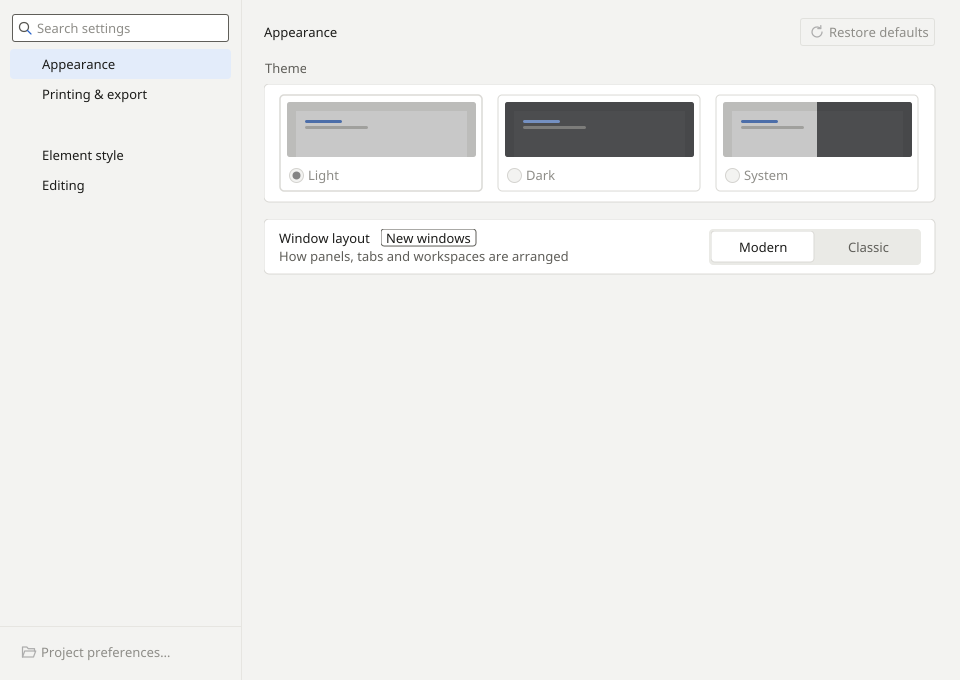
- Choose Tools → Application preferences. Review the language and appearance sections and select the desired values.
- Apply the changes with the dialog’s confirmation button. If you change your mind, select Cancel before confirming.
Project preferences
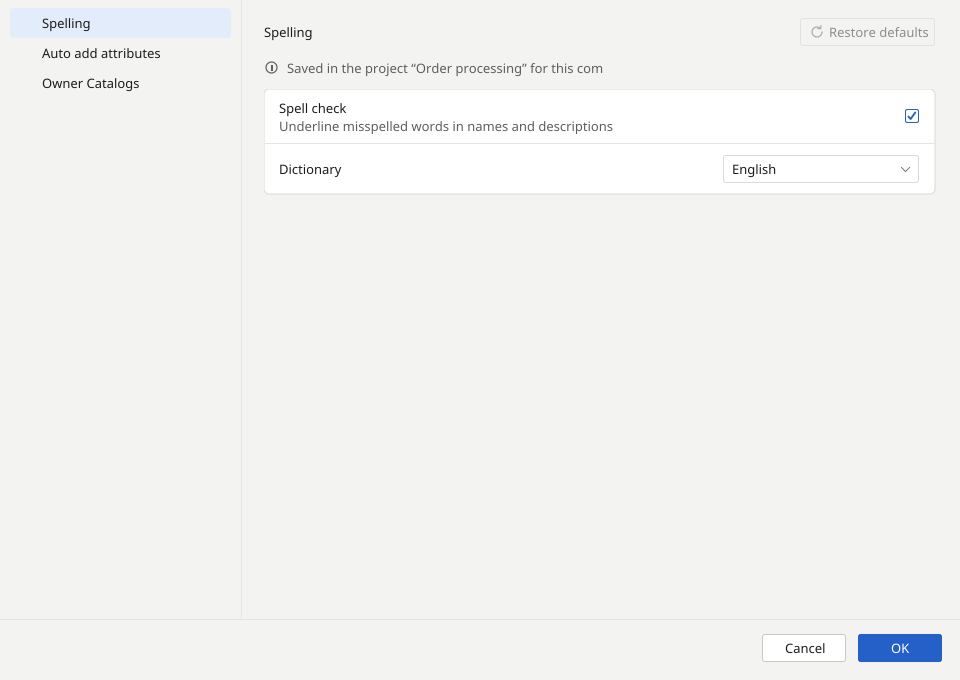
Choose Tools → Project preferences. These settings concern the open model; review the required section, confirm the changes and save the project. Cancel closes the dialog without applying unconfirmed changes.
Your settings are applied to the appropriate scope: the application or the current project.