Help topics
DFD data flows
Create a separate model with File → New project and select DFD. DFD arrows represent data flows between processes, data stores and external entities.
Processes, entities and stores
- Use the process tool to add “Accept order”. Add “Customer” with the external entity tool and “Orders” with the data store tool.
- Use the arrow tool to connect the entity to the process and the process to the store. Name the data being transferred.
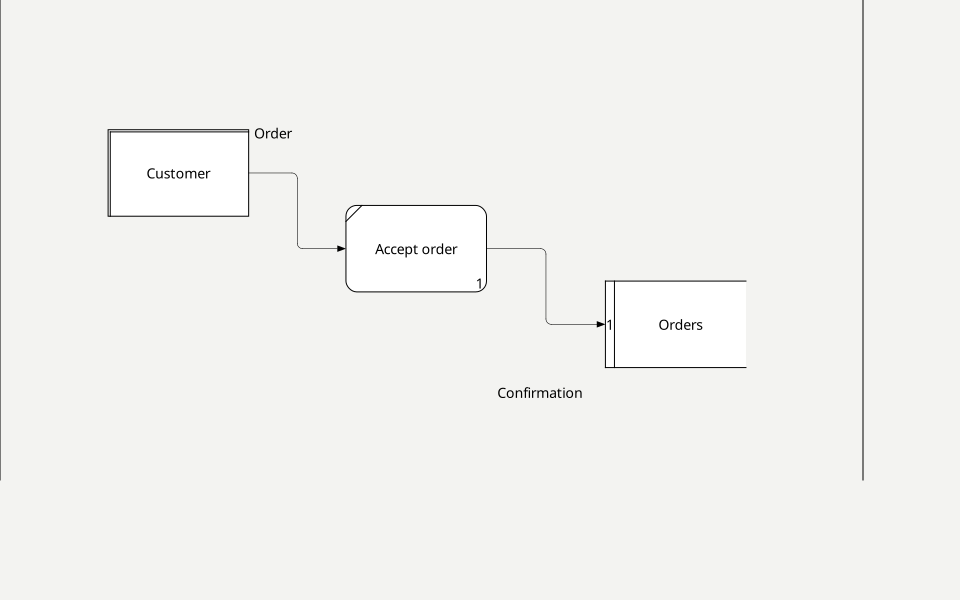
Properties and detail
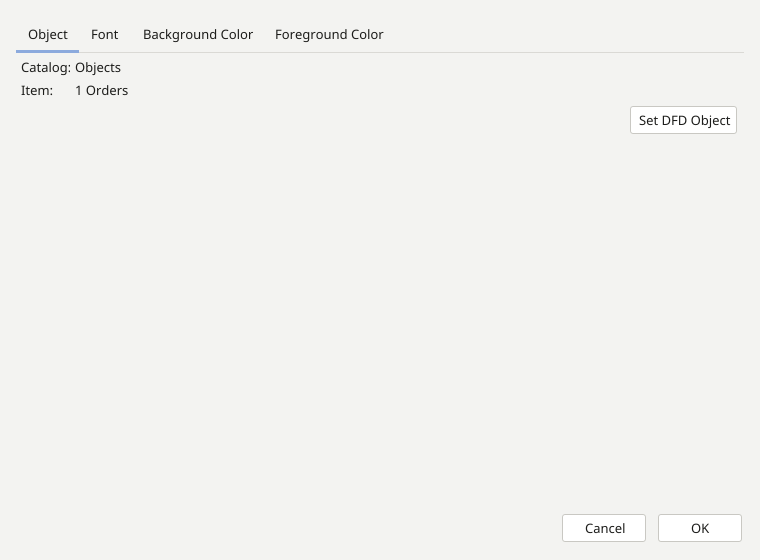
Open each object’s properties from its context menu and enter its name and description. Create a child diagram to detail a process and check the flows across levels. IDEF0 ICOM side meanings do not apply to DFD: follow the source, destination and direction of the data.
DFDS notation
DFDS is a separate notation in the new-project wizard. Create a DFDS model, add roles such as “Customer” and “Manager”, and connect them to activities with the appropriate tools. Set role and connection names in object properties.
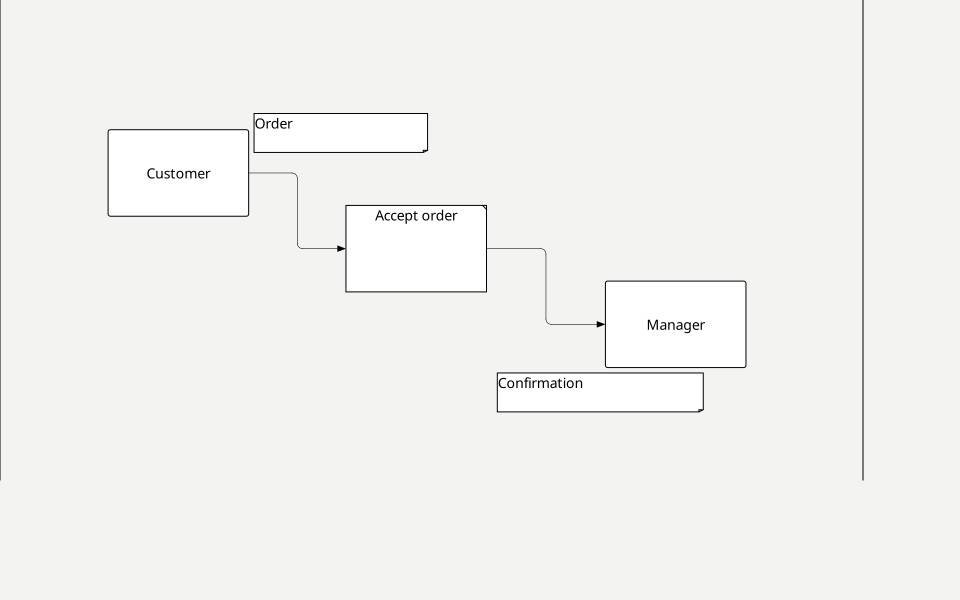
The model shows who sends data, how it is processed and where it is stored.