Help topics
Report a bug
Reproduce the problem in Ramus. Note the steps, expected result and what actually happened.
Prepare a draft
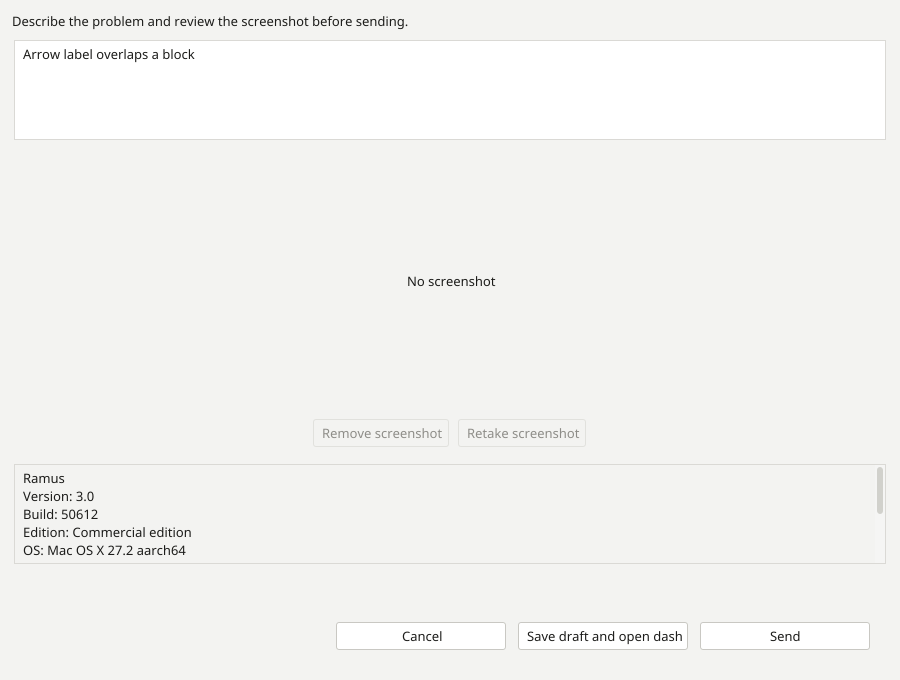
- Choose Help → Report a bug and describe the problem.
- Review the image in the dialog. Remove or retake it if it contains private data or does not show the problem. Leave passwords and private models out of your example.
- Save the draft to a file. Ramus opens the bug website in your browser; the draft file itself is not a submitted report.
Import and submit
- Sign in to the bug website. Import the saved draft and review the description and attachment.
- Submit the report from your account. Open your own bugs to check that the report appears and follow its status.
Without a connection
Keep the saved draft file on your computer and import it once the connection is restored. Complete the import and submission in the browser for the report to appear on the website.
After submission, the bug appears among your reports. Keep its link for further discussion.