Help topics
Reports
For this example, prepare a “Documents” catalog with a “Cost” attribute and populated elements.
Prepare a table report
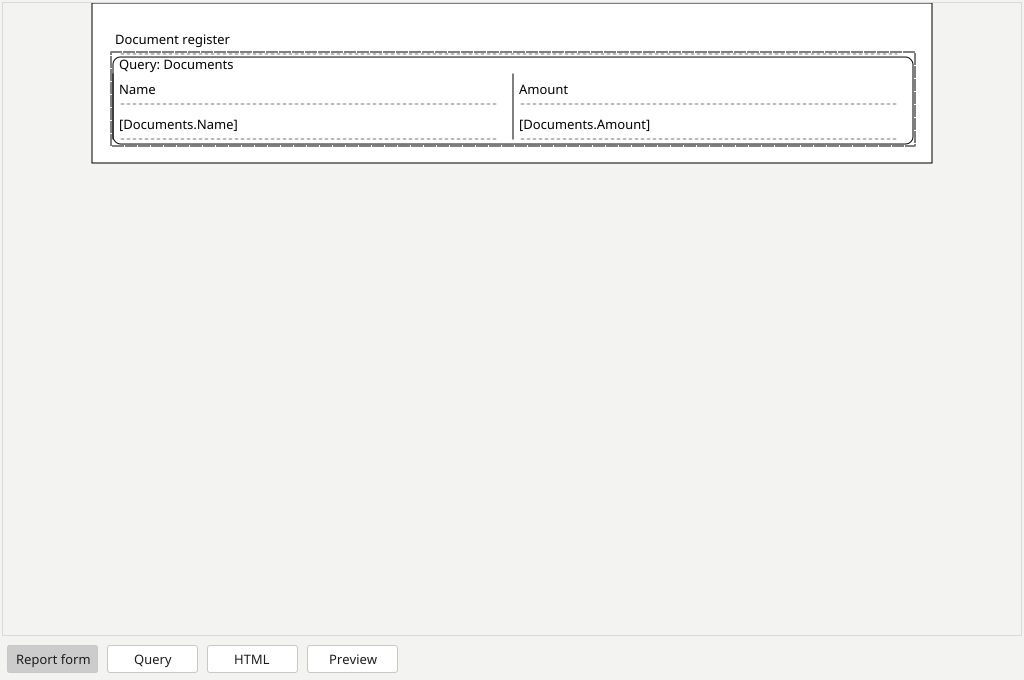
- Open the report editor and create a “Document register” report.
- Select “Documents” as the table’s source. Add name and cost columns and set their headings.
- Save the report definition. A simple register uses a source and columns; advanced processing scripts are not needed.
Check the result
- Open the report result preview. Compare the names and amounts with the catalog table.
- Change one document’s cost in the catalog and regenerate or refresh the preview. Check that the report contains the new value.
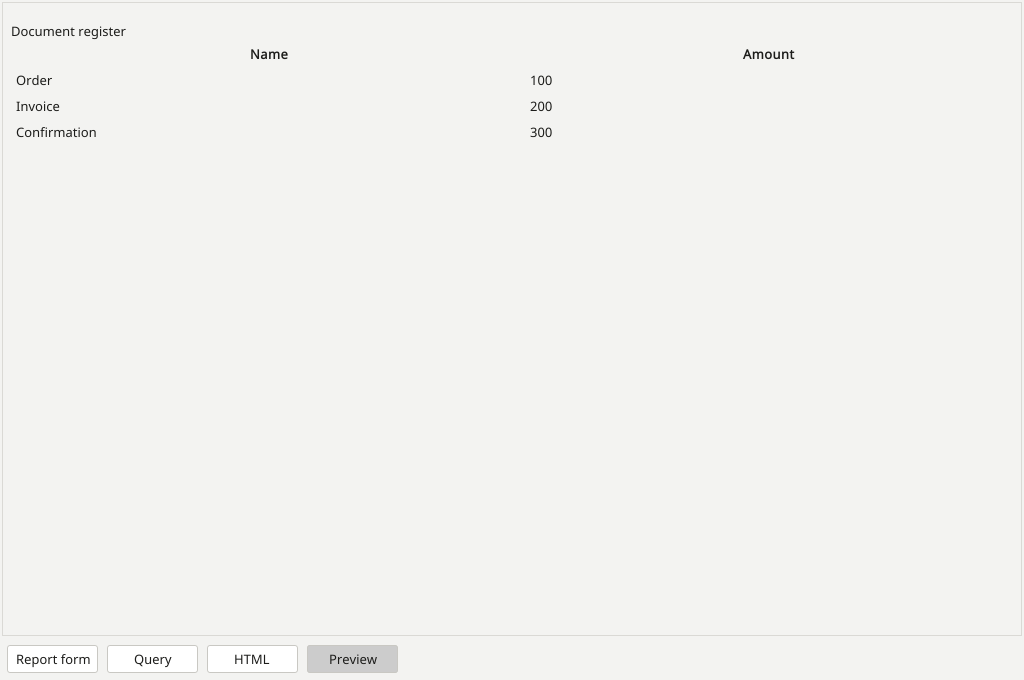
The report displays catalog data. Refresh the preview after editing its source.