Help topics
Classifiers and hierarchy
A classifier is a shared list of similar objects. Documents can contain Order and Confirmation; Positions can contain Sales manager.
Create a list
- Open the Classifiers workspace.
- Create a classifier and name it.
- Open it and create elements.
- Fill in names and required attributes.
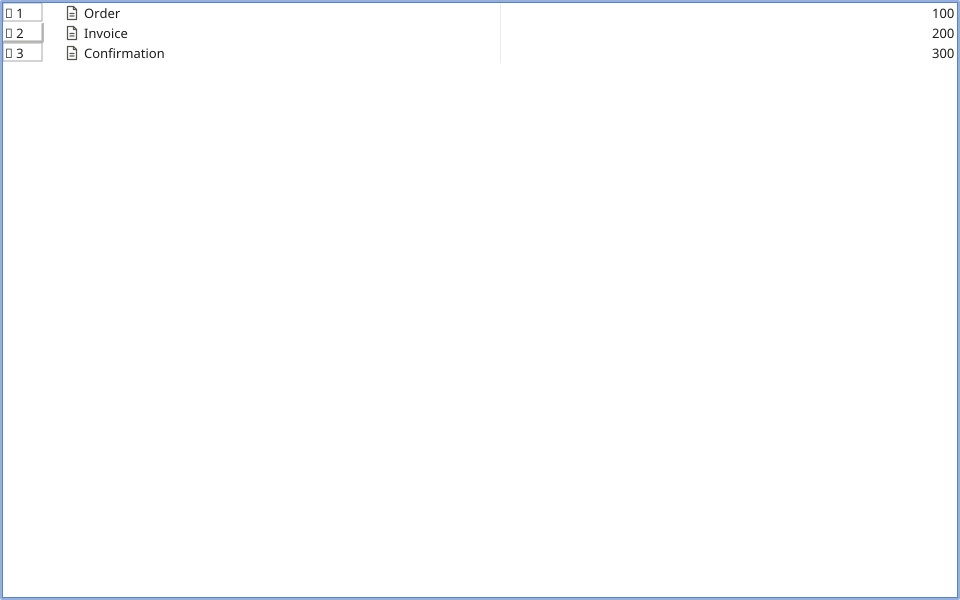
Classifier properties define the attribute set and order, including the attribute used as an element's name. One attribute can be used in several classifiers.
Order and hierarchy
The base hierarchy is manual. Keep a simple list at one level, or create groups such as Incoming documents and Outgoing documents. Move up and Move down reorder siblings. Indenting makes an element a child of its preceding sibling; outdenting places it immediately after its parent. Children move with their parent.
You can also drag the code field. Before dropping, check the insertion hint for the future position or parent. Expand all and Collapse all change tree visibility.
Group by attributes
Choose another hierarchy in table properties or create one based on attributes. Their order determines grouping levels. For example, a Type attribute with Incoming and Outgoing values groups documents by type. This is a view of the data; the manual base hierarchy remains separate.
Use on diagrams
Attach existing elements to arrows to reuse them across processes and models in the same project. Renaming changes the shared object. Detaching removes the relation; the element remains in its classifier.
Matrix relations
A matrix compares objects on two axes, such as activities and documents. An activity–document relation can come from activity → flow → attached document. In IDEF0 its direction depends on input, control, output or mechanism. Rotating axes changes how the matrix is read.
Distinguish direct and derived relations. An inherited owner is not a separate direct assignment to a child. Hierarchy-derived relations also have their own origin. Different views can show direct, inherited or combined relations; check the axes and view rule. A derived cell may not be directly editable. Change its source attachment, arrow endpoint, owner or hierarchy, then inspect the matrix again.